Your home. Your music.
Your own radio station.
Music Assistant plays the music. ParlorWave runs the station.
Music Assistant picks and plays the music; ParlorWave adds the radio around it: spoken breaks between songs, scheduled news bulletins, and calendar announcements in your own Home Assistant voices.
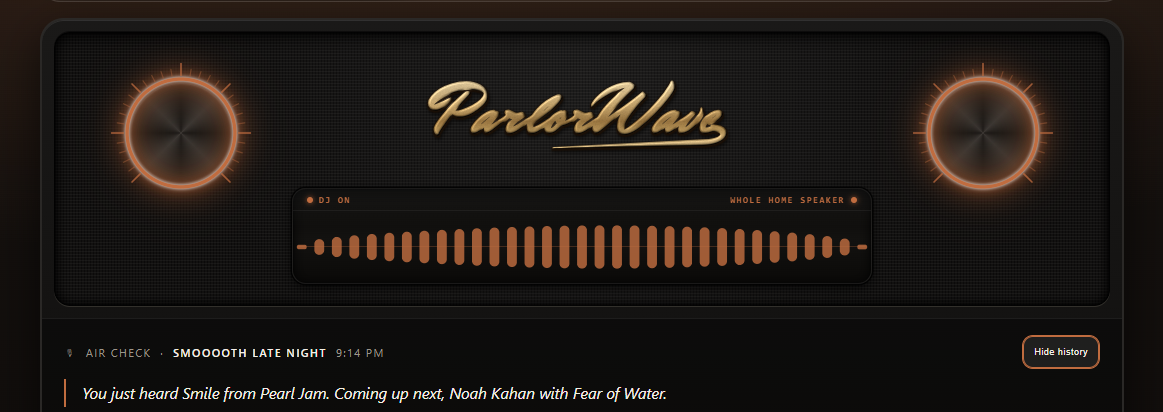
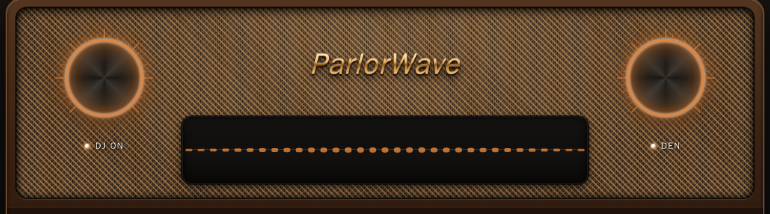
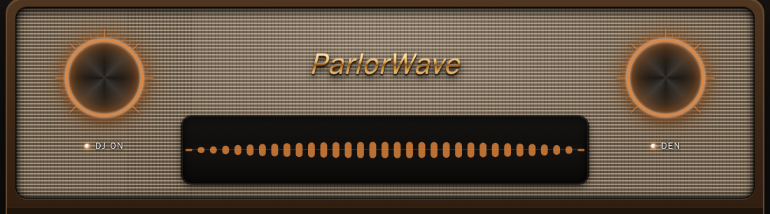
Turn the left knob for volume or double-push for DJ on/off. Turn the right knob to tune station presets or double-push to switch the active DJ speaker.
Playlists just play tracks.
A station keeps you company.
Start an album, playlist, or radio queue in Music Assistant, or build a named station preset from your library. ParlorWave Radio follows your Active DJ speaker and turns the quiet gaps between songs into a personal home broadcast.
A host with a sense of time and place
With an optional Ollama writing model, pick how your DJ carries the mic: Dry Wit, Classic FM, Late Night, Sarcastic, Humorous, or Energetic. Without one, the built-in writer uses a consistent house style—and either way you can turn on automatic Morning, Afternoon, and Night voice shifts.
Works out of the box with your Home Assistant voices and built-in deterministic writer—no language model or cloud account required.
Real recorded news bulletins, never mid-song
Give the Newsroom your favorite MP3 audio news or podcast RSS feeds and schedule each one at the minute you choose each hour (:00, :05 … :55). Bulletins wait for the current song to finish, play the actual recorded broadcast, and hand right back to your music.
Supports up to 8 MP3 feeds, individual hourly schedules, and browser-only replay so you can catch up without interrupting the house.
Local weather and family calendar announcements
Connect your Home Assistant weather and calendar entities. The DJ weaves outdoor conditions into breaks, and any calendar event whose title starts with ANNOUNCE becomes a spoken station notice at the first song change after its start time while music is playing.
Use ANNOUNCE EXACT to have it read word-for-word, and add voice: <name> to the event’s description to have a saved voice you’ve allowed for announcements read it.
Follow Music Assistant or tune a saved preset
Music Assistant owns your speakers and your queue. ParlorWave never reorders the songs you queued yourself; it only adds, and later tidies away, its own breaks and bulletins. When you want to build a preset, the Station Programmer assembles stations by genre, artist, or decade from your Music Assistant library.
Test any preset before putting it on the air, save it to the dial, and tune it right from the On Air console knob.
Five rooms in one broadcast studio.
Every control in ParlorWave Radio lives in one of five screens inside your Home Assistant sidebar: On Air, Booth, Newsroom, Station, and Settings.
What is playing, and what your station is doing.
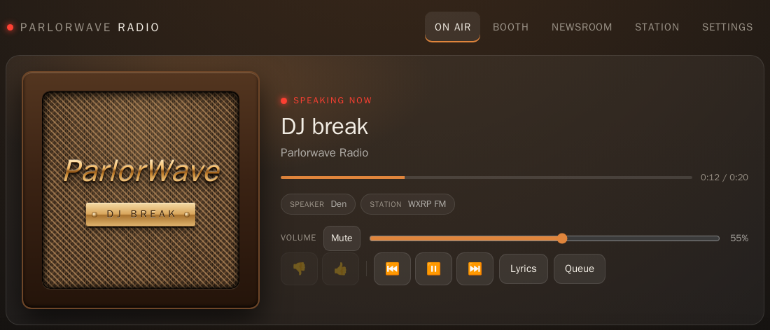
Watch live playback, see when a DJ break or news bulletin is on the air, follow synchronized lyrics, check the upcoming queue, and read your recent Air Check break history.
What is in the public alpha vs. on the roadmap.
ParlorWave Radio 0.1.0-alpha.3 is available to install today on Home Assistant OS (2026.9+). It runs on your own Home Assistant machine with no account or subscription. Speech is as local as the voice you choose—pick Piper in Booth for fully local breaks.
Available in 0.1.0-alpha.3
- 5-Screen Broadcast Console: On Air, Booth, Newsroom, Station, and Settings in your Home Assistant sidebar.
- Spoken DJ Hosting: Home Assistant
tts.*voices, 6 personalities (with an optional Ollama model), Morning/Afternoon/Night voice shifts, and optional custom voice cloning via your own engine. - Built-In Writer + Optional Ollama Model: Writes every break locally with no LLM required, or falls back deterministically if an optional Ollama model is unavailable or rejected.
- Recorded RSS News Bulletins: Up to 8 MP3 audio feeds scheduled at the minute you choose each hour between songs.
- Station Presets & Calendar Announcements: Follow Music Assistant queues, build named presets from your Music Assistant library, and air
ANNOUNCE/ANNOUNCE EXACTcalendar events between songs.
Coming in Future Releases
- Interactive Listener Requests: Single-song and mood requests (typed artist, genre, and decade stations already ship via the Request Line).
- Music-Knowledge & Artist Context: Curated album and artist background packs for deeper song commentary.
- Dedicated Podcast & News Channels: Long-form talk programming and verified written headlines inside DJ breaks.
- Richer Household Automation: Expanded Home Assistant event triggers and household alert broadcasting.
Ready to put your station on the air?
All you need is Home Assistant OS (2026.9+), Music Assistant on the same machine, a Home Assistant text-to-speech voice (such as local Piper), and the built-in writer.